 Custom CAD application development
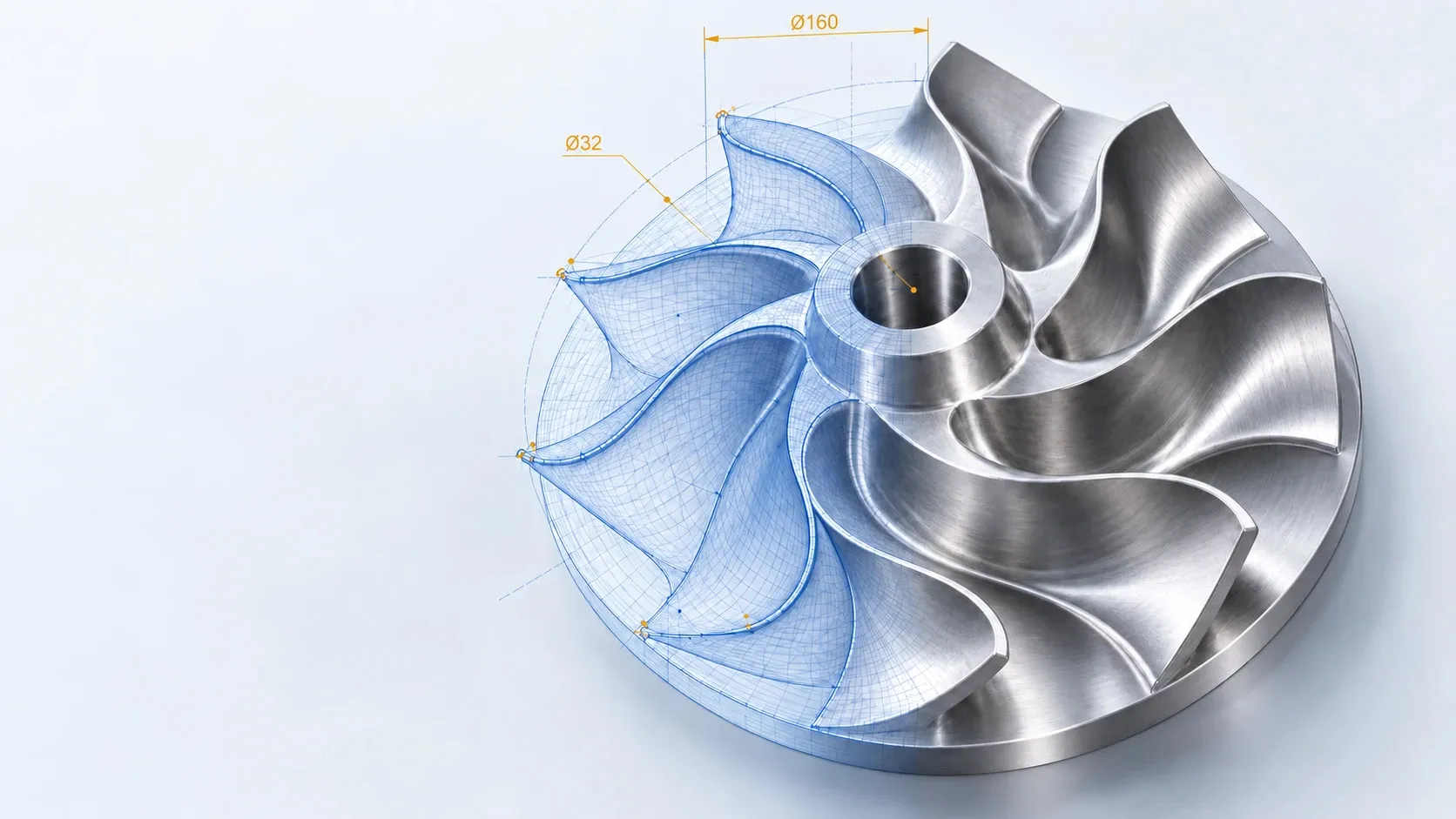
CoreCAD.NET
Platform architecture & capabilities
Professional 2D drafting, feature-based 3D parametric modeling, scripting & AI automation, with photorealistic rendering planned — a modular set of C# libraries, and the platform every application we build starts from.
- CoreCAD.NET
- CoreModel.NET
- DxUICoreCAD.NET
- Automation · Macros · MCP
- CoreTracing.NET · planned
The CAD engine for your .NET desktop product.
CoreCAD.NET is a suite of C# libraries that turns the Eyeshot geometry and graphics toolkit into a complete, interactive CAD platform. Every application we build on it gives its users the commands, precision tools, editing, annotation, 3D modeling, automation and output they expect from professional CAD software — under your brand, around your domain logic.
Who it is for
- Software vendorsBuild a vertical CAD or CAD/CAM product — machinery, furniture, steel, plant or signage design — without first building a CAD engine.
- Engineering teamsModernise in-house desktop tools and product configurators with real drafting, modeling and drawing output.
- Technical applicationsEmbed a precise, scriptable CAD view in quoting, planning or production-preparation software.
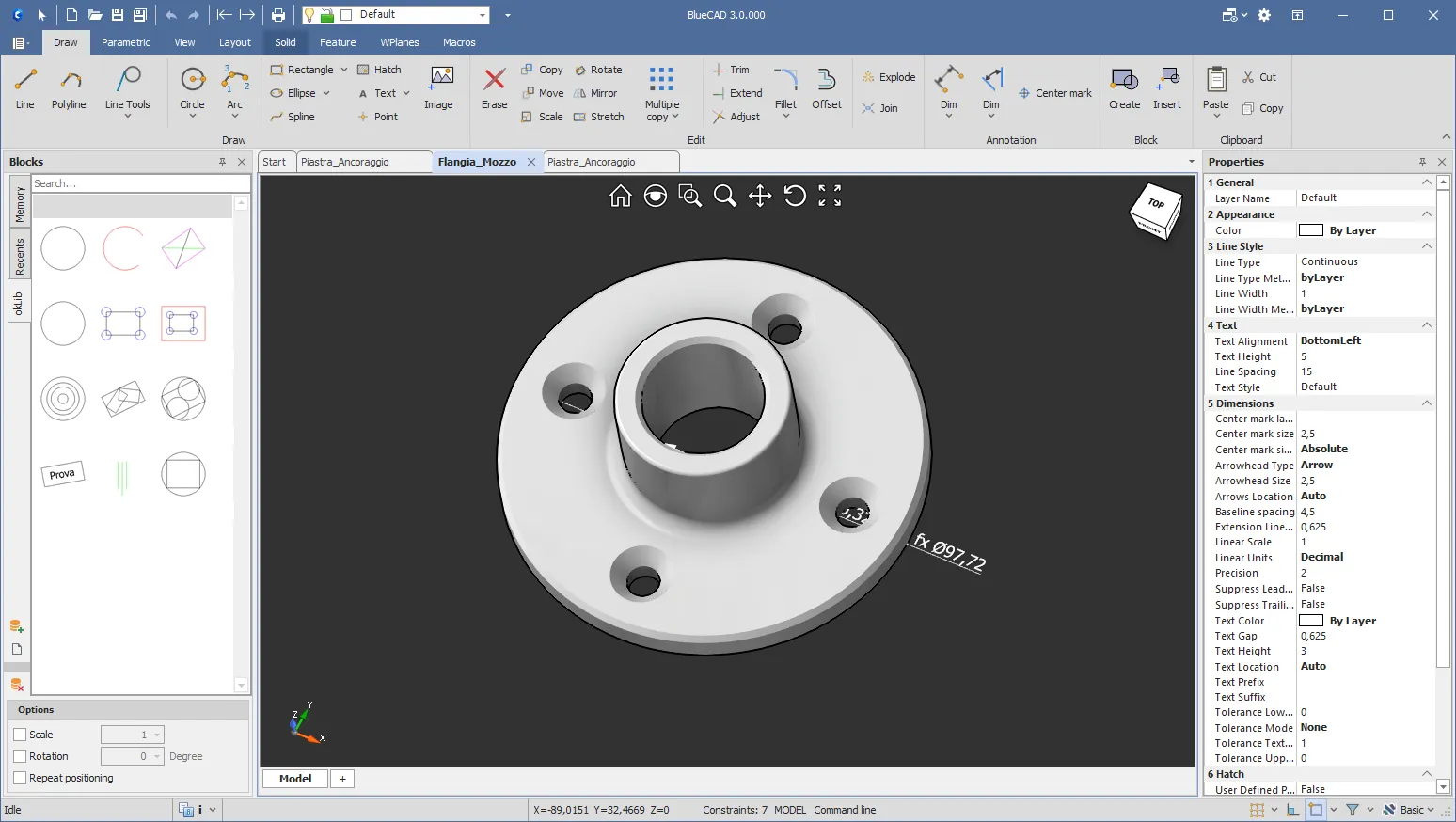
A layered platform, modular by design.
Every layer is a separate assembly with a clear dependency direction. Start with the 2D core, then add 3D, the ready-made UI, automation, AI or rendering only when your product needs them.
Each layer opens its own page. Scroll sideways to see the whole diagram.
Each layer opens its own page. Scroll sideways to see the whole diagram.
Modular
2D only, 2D + 3D, with or without our UI, automation or AI: you choose, per product.
Optional by discovery
Satellites and rendering are found at runtime; if one is missing, the application keeps working.
Your code is first-class
Your commands, features and data use the same registries, undo, events and file format as the built-in ones.
One platform, seven areas.
Each area has its own page: what it does, how it looks, and the complete list of capabilities.
01 · 2D CAD engine
/corecad/2d/The 2D CAD engine.
Everything a professional drafting application needs, with the interaction style CAD users already know: command prompts, object snaps, grips, typed values and instant undo.
Explore the 2D engine →02 · Drawings & exchange
/corecad/drawings/From model to production drawing.
Paper space turns the live model into dimensioned, scaled sheets with a title block — ready for print or PDF. Standard CAD formats move geometry in and out.
Explore drawings →03 · 3D modeling
/corecad/3d/3D parametric modeling.
Feature-based solid modeling on B-Rep geometry, with a history you can edit, reorder and roll back.
Explore 3D modeling →04 · User interface
/corecad/interface/A complete CAD interface, ready to use.
An optional ribbon application shell wired to every CoreCAD subsystem, with DevExpress skins and English/Italian resources. Use it as it is, or build your own interface directly on the CoreCAD control.
Explore the interface →05 · Automation & AI
/corecad/automation/One command catalog, three front-ends.
Explore automation →06 · Rendering
/corecad/rendering/Photorealistic viewport.
Explore rendering →07 · For developers
/corecad/developers/Familiar .NET code, deep extension points.
Explore extensibility →Build your product, not a CAD engine.
A geometry kernel gives you curves, solids and fast graphics. Users, however, expect a CAD application: commands that guide them, snaps that land exactly, grips, undo that never loses work, dimensions, drawings and file exchange. CoreCAD.NET is that application layer, ready to use.
Starting from a geometry kernel alone
Your team builds — and then maintains — the whole CAD application layer
Starting from CoreCAD.NET
The CAD application layer is there on day one
- Command engine · 200+ interactive commands
- Snaps · tracking · grips · selection filters
- Undo/redo transactions · native file format
- Annotation · constraints · parametric history
- Paper space · printing · PDF · DWG/DXF/STEP
- Ready-made UI · automation · AI connector
- Documented, stable C# API
Illustrative comparison of scope, not of effort in a specific project.
Ship sooner
200+ commands, snaps, grips, dimensions, hatches, blocks and layers work from day one.
Proven foundation
Built on Eyeshot 2025 for geometry, B-Rep solids, graphics and file translators.
Modular
2D only, 2D + 3D, with or without our UI, automation or AI: you choose, per product.
Extensible
Custom commands, parametric features and entity data; public events with veto.
Automation & AI ready
The same command catalog serves C#, sandboxed macros and AI assistants.
Reliable
Every change undoable; recovery after crashes and shutdowns; a scripted release process.
Professional delivery
Signed, protected assemblies; lockstep versions; side-by-side installs.
Developer friendly
IntelliSense on the public API, sample applications and macro examples.
One controlled path for every change.
Whether a user draws with the mouse, drags a grip, runs a macro or an AI assistant issues a command, every modification travels the same route: validation, a single undoable transaction, the document, then notification. That is what keeps large CAD applications consistent.
Scroll sideways to see the whole diagram.
Scroll sideways to see the whole diagram.
What the user experiences
one command, five moments
- 01 · startCIRCLEtyped on the command line or picked from the ribbon
- 02 · promptCenter pointobject snap locks on an existing centre
- 03 · previewRubber-bandthe circle follows the cursor in real time
- 04 · valueRadius 25 ↵typed right at the cursor, or one more click
- 05 · commitDoneone undo step, events raised, ready to repeat
Let's build your CAD product.
Tell us about your application. CadWare's engineers will go through your requirements with you and can build a working prototype on CoreCAD.NET around your own use case, so you see the approach at work before you decide.
- 01Let's talkA technical session on your requirements, your architecture and your roadmap
- 02We build a prototypeCadWare develops a working prototype on CoreCAD.NET, shaped on your use case
- 03We review it togetherWe present the prototype to your team and agree the next steps with you